 Gym Workout
Less deciding.
More doing.
Build workouts around the equipment at your gym, then spin to choose what comes next. Keep your session moving and track what you complete.
For iPhone · Core workout features are free
Set up your gym. Make a workout. Spin.
A flexible way to train, whether you know exactly what you want to work on or need a nudge to get started.
Add your gym
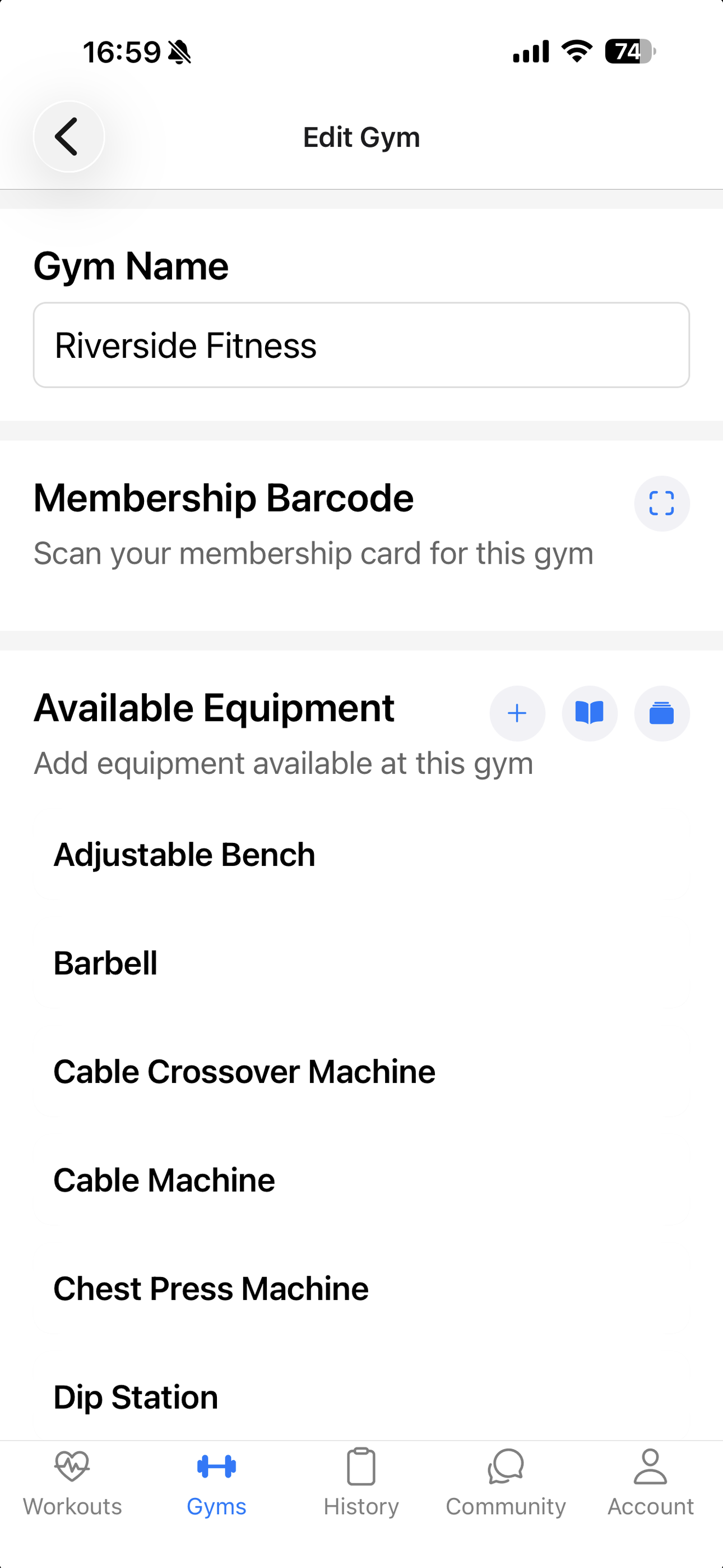
Save the equipment you can use. Set up more than one gym if you train in different places.
Build your workout
Pick muscle groups and exercises that fit your gym's equipment, then make the session your own.
Spin and train
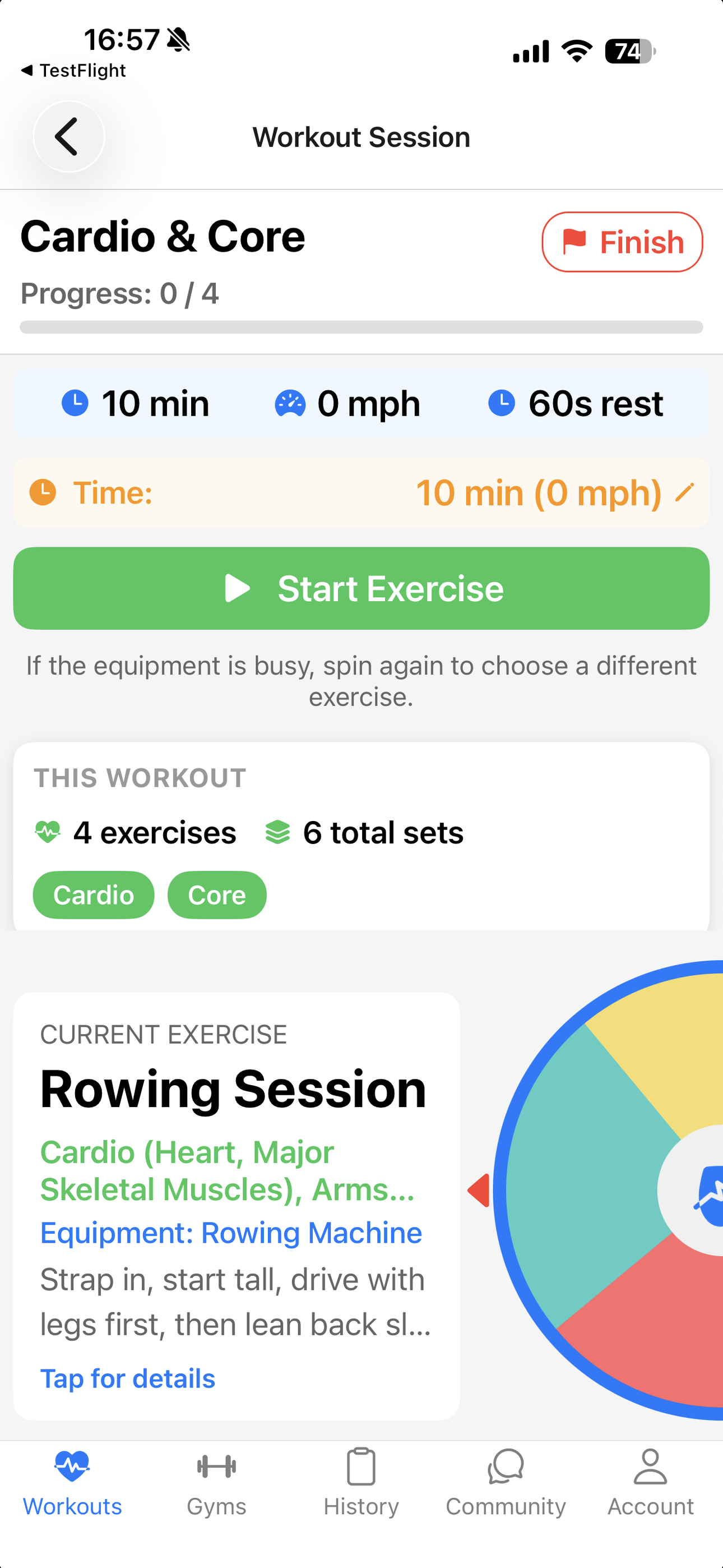
Let the wheel choose an exercise. Spin again if a station is busy, and log your sets as you go.
Make every session count.
A wheel that keeps things moving
Put a little variety into your routine with an interactive exercise spinner.
Workouts that fit your gym
Choose from an exercise library matched to the equipment you've added.
Track the work you do
Record sets, reps, weights and session progress while you train.
See how far you've come
Look back through completed workouts and exercise history.
Designed for the moment you're in.
From planning a session to reviewing it later, the app stays focused on the workout.
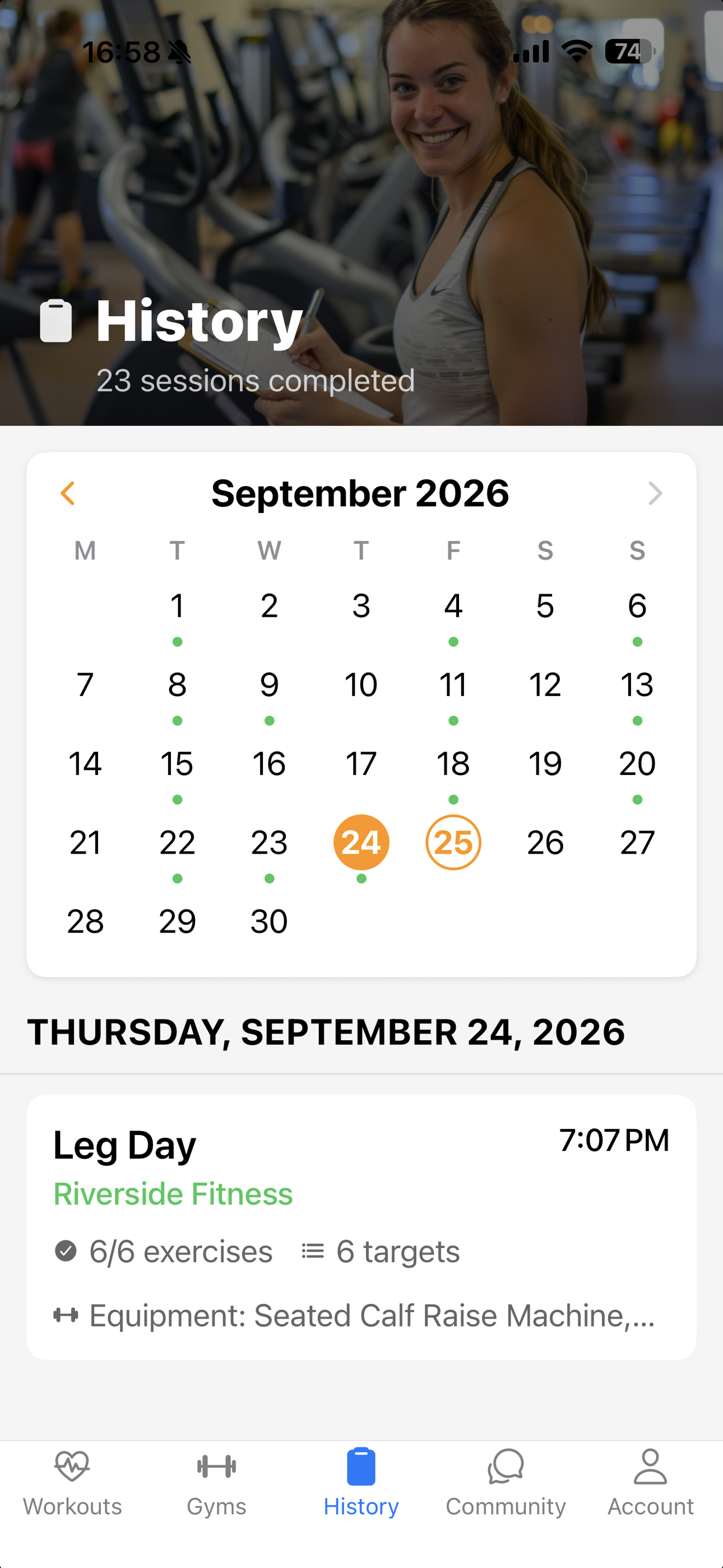
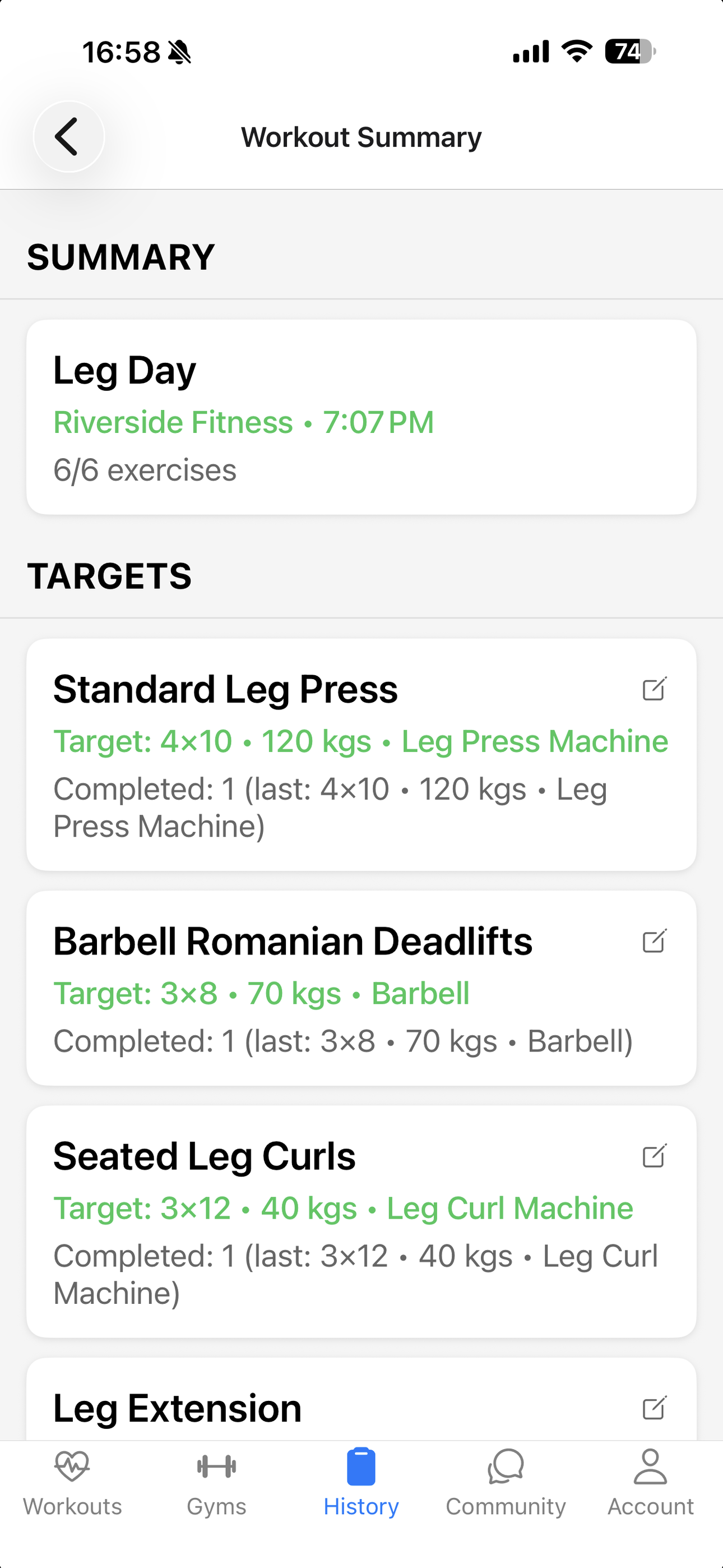
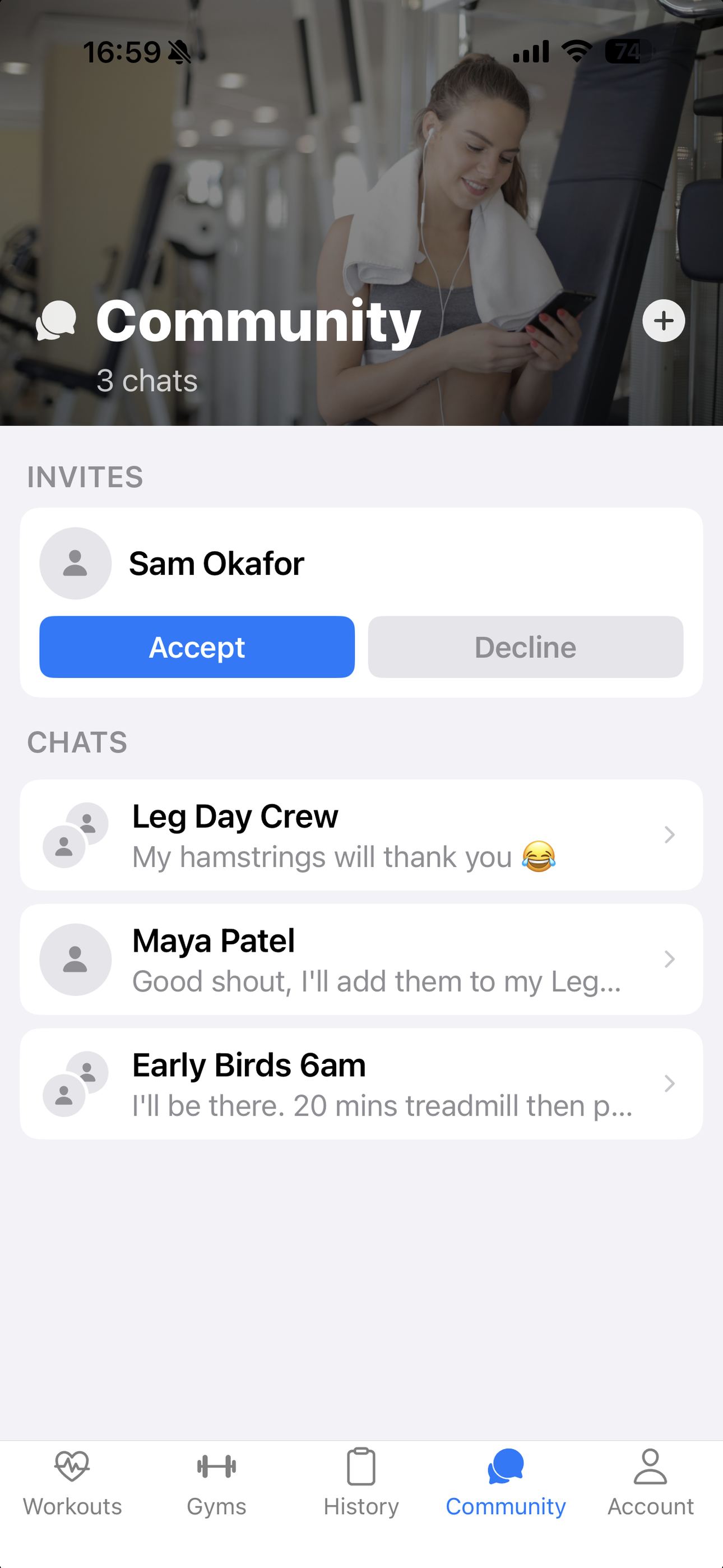
*Community requires a monthly subscription.
Start free. Add more when you're ready.
The core workout experience is free. A monthly subscription adds ways to connect, back up your data, and plan around recovery.
- Community chats with other members
- Cloud backup and restore
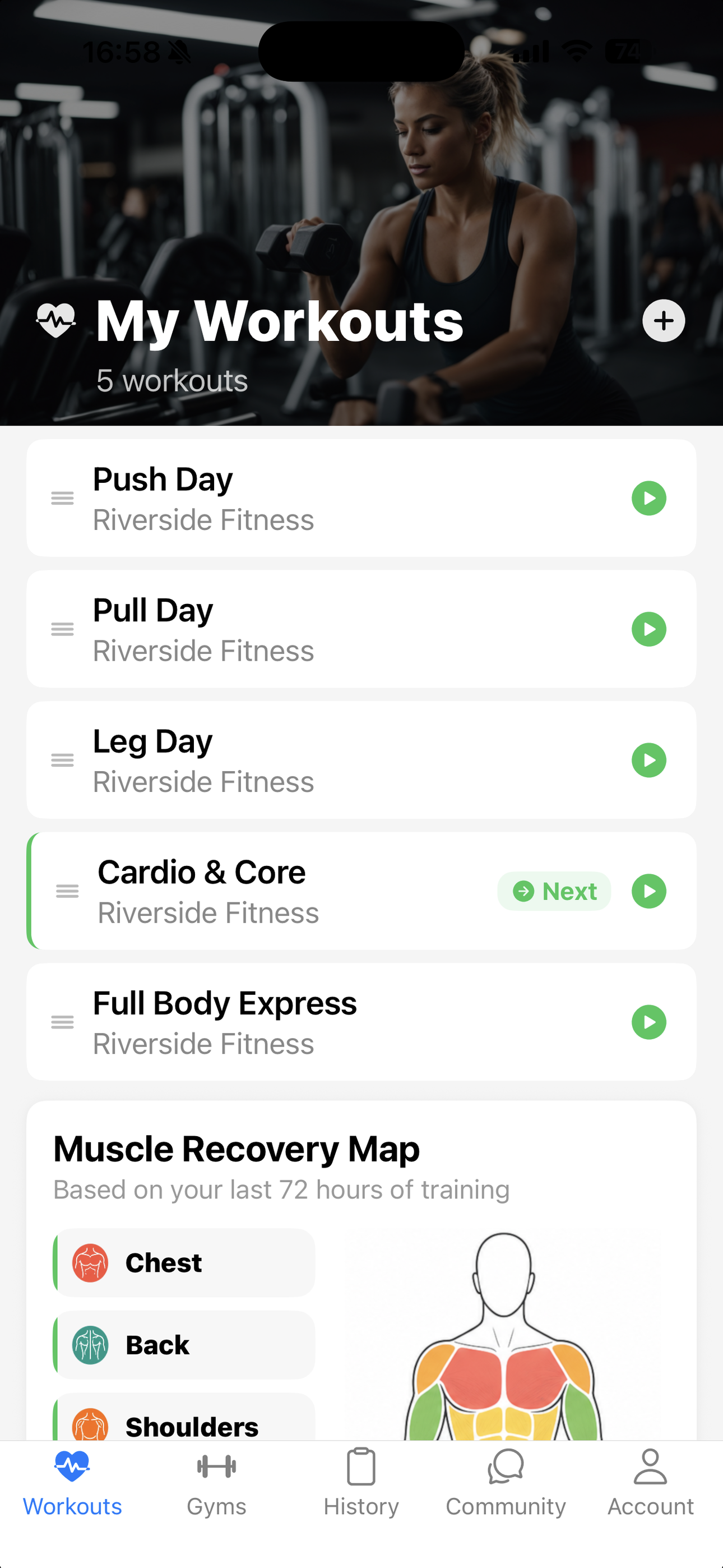
- Muscle Recovery Map
More tools for your routine
Subscription pricing and purchase terms are shown in the app before you subscribe. Your subscription is managed through your App Store account.
Explore the app ↗Frequently asked questions
Can I use it at more than one gym?
Yes. Add multiple gyms and save the equipment available at each one.
What if the exercise the wheel picks isn't available?
Spin again to choose another exercise from your workout.
Do I need a subscription?
No. You can use the core gym, workout, spinner and tracking features for free. Community, cloud sync and the Muscle Recovery Map require a monthly subscription.
Where can I get help?
Email support@inuvera.com and we'll help you with the app.
Ready to make your next workout a little more exciting?
Get Gym Workout Spinner for iPhone and give the wheel a spin.
Get it on the App Store ↗