
Query Studio Pro
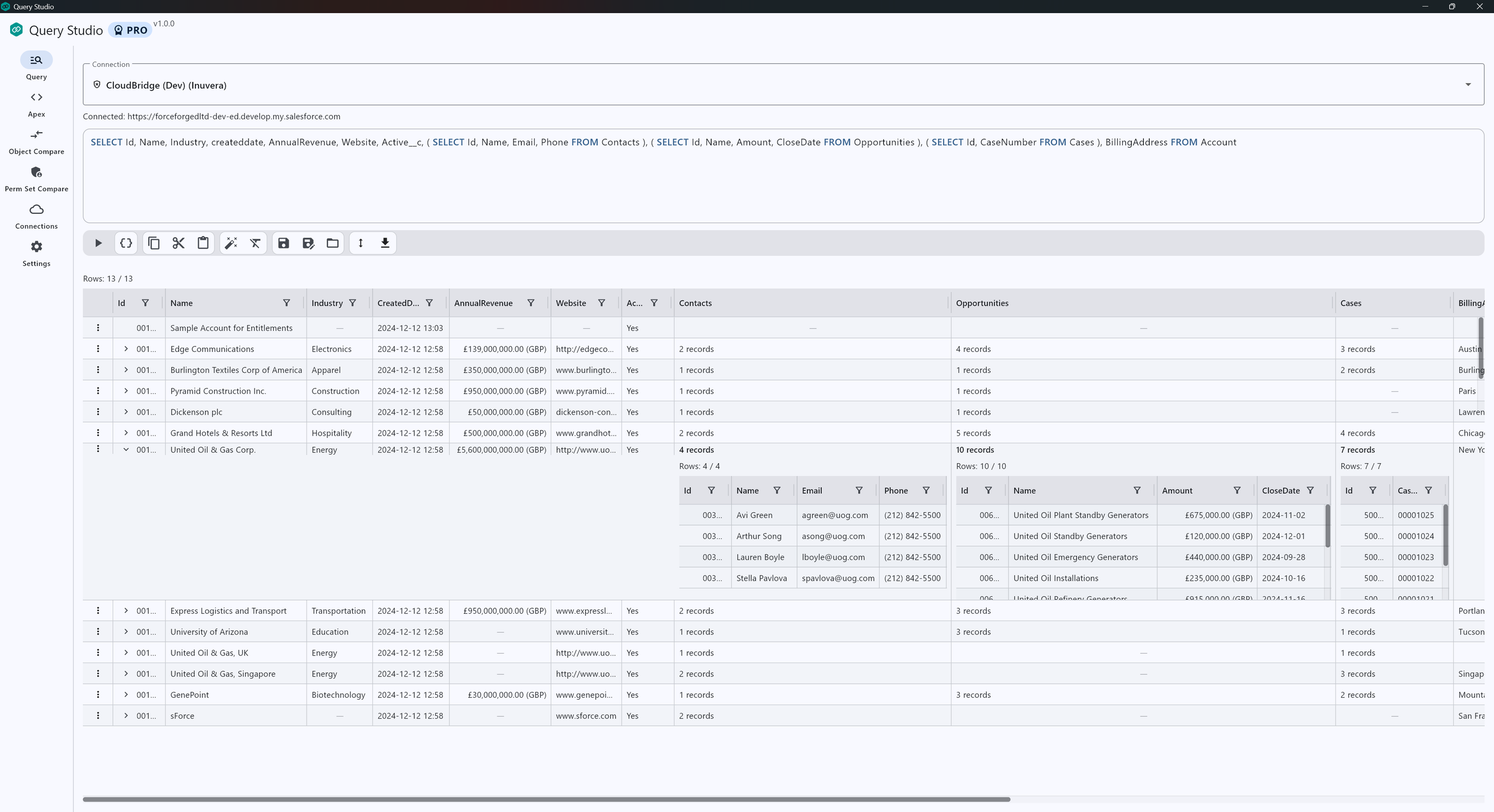
Unlock advanced tools for working across orgs, comparing metadata, running Apex and saving your best queries.
Pro is activated with a license key. In the app, go to Settings → Upgrade to Pro to subscribe or Settings → Pro license to enter a key.
What’s included
Apex
Run anonymous Apex in your org to quickly test fixes, automate small tasks, or validate behaviour.
Permission Set Compare
Compare permission sets across orgs (object/field permissions and more) to identify differences.
How to activate
Subscribe
In the app, open Settings and choose Upgrade to Pro to start a subscription.
sObject Compare
Compare fields across two connections to spot schema drift between environments.
Saved queries
Save, load and reuse your SOQL queries directly in the app to speed up recurring investigations.
Enter a license key
If you already have a key, open Settings —> Pro license and paste it in.