
Pro activated
Thanks -- your upgrade was successful.
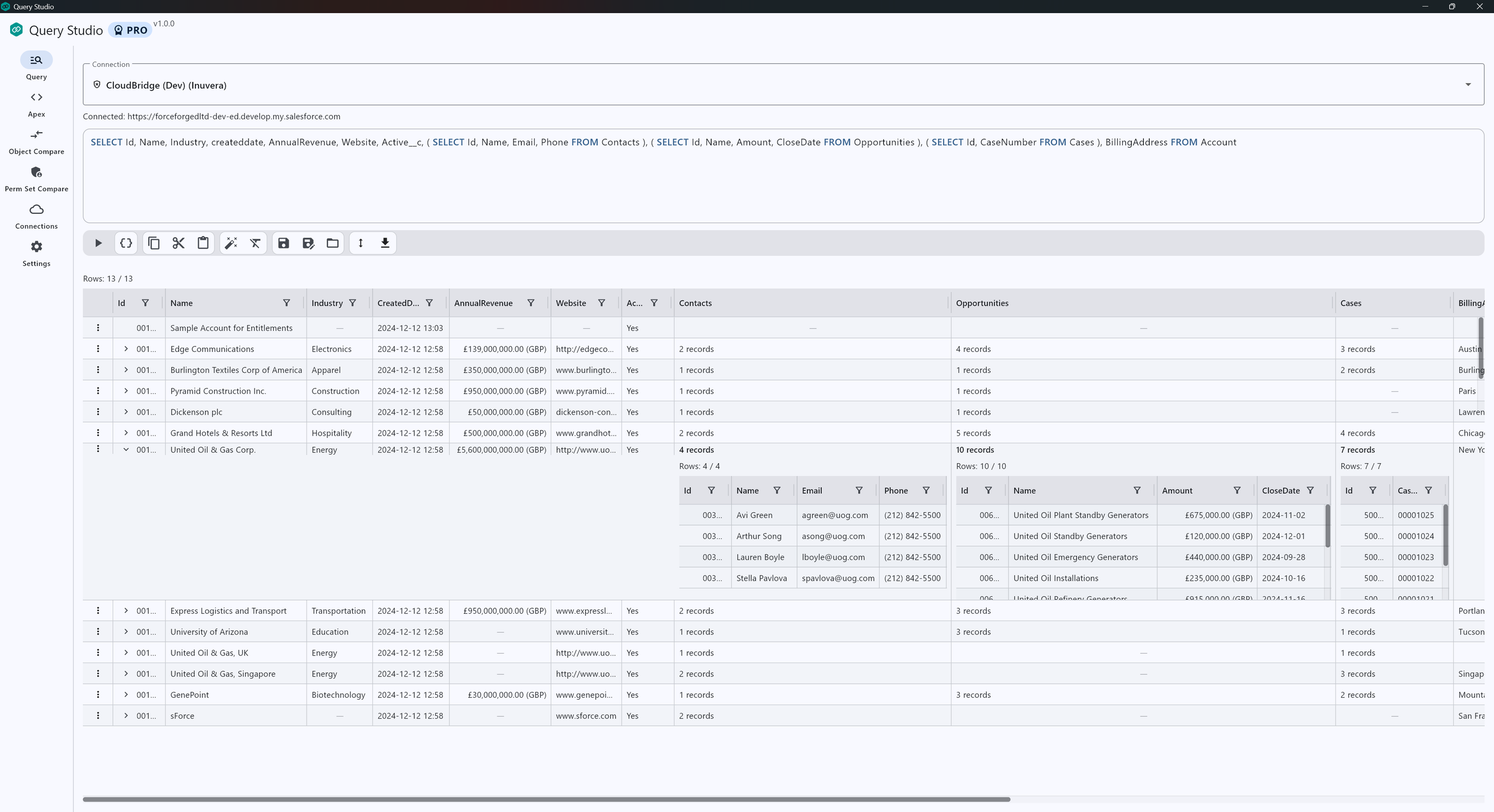
Your Pro license key will be sent to the email address you entered during checkout. When you receive it, open the Query Studio app and enter the license key manually in Settings → Pro license
Need help?
Didn’t receive your license email?
Check your spam/junk folder and confirm you used the correct billing email. If you still can’t find it, return to the app and use Resend my license key.
Support
If you need assistance, contact your administrator for connect app configuration help, or reach out via inuvera.com.